
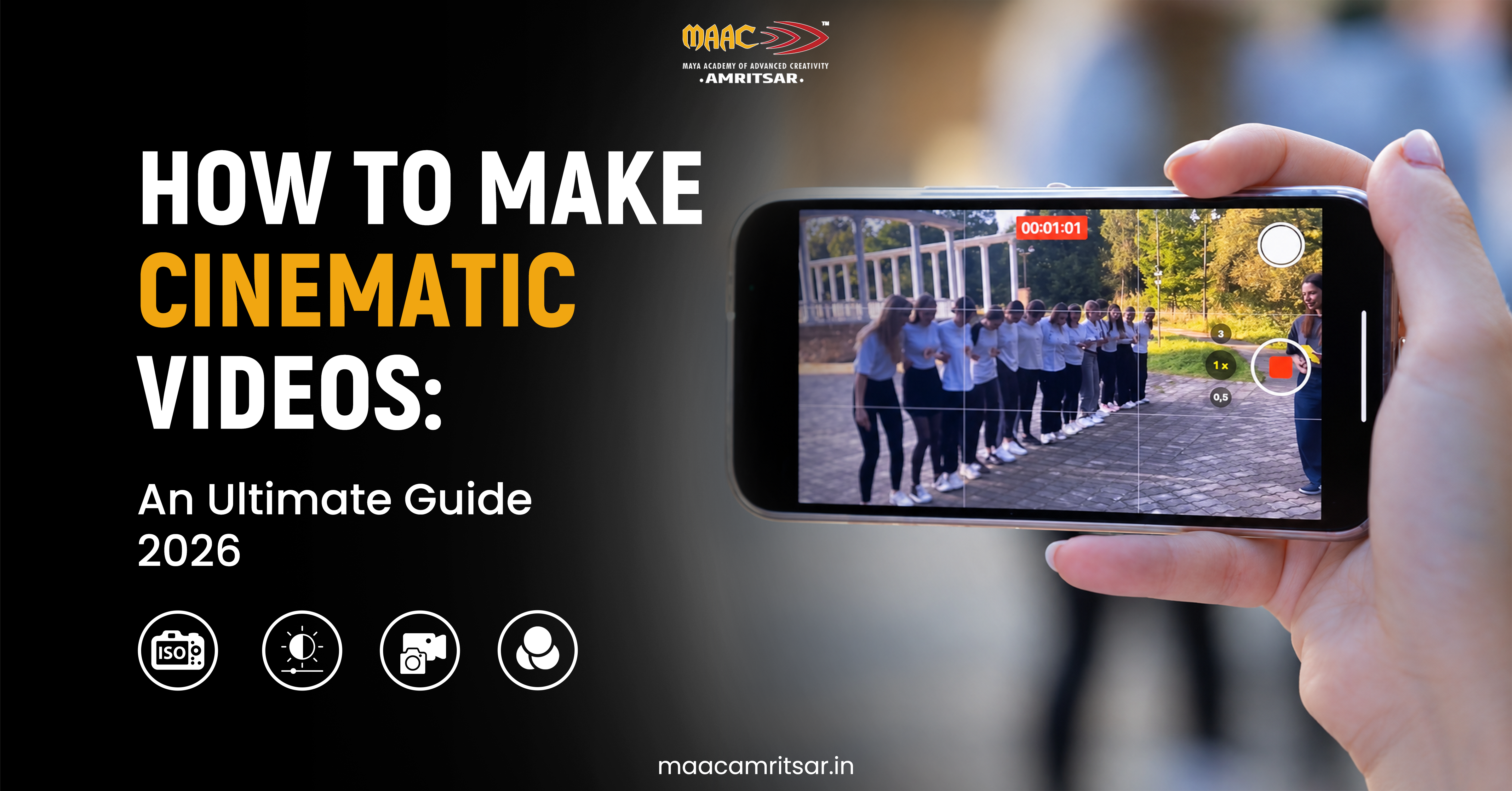
Want to know how to make cinematic videos that looks like it came from film set? The simple answer is you have to do these five things:
- 24 fps motion
- Controlled lighting
- Intentional composition
- Smooth camera movement
- Good color grading
This article is specially written for beginners, students and content creators who want cinematic videos without buying heavy kit. After reading this article, you will know how to plan, shoot, illuminate, edit and output short cinematic videos even if you have smartphone only.
How to make cinematic videos: Quick Answer
When creating cinematic video, you need to film at frame rate of 24 FPS and ensure that your shutter speed is around 1/48 second. The lighting should be soft and cinematic. The composition should be such that the subjects are in focus but the framing should be right. The movements should be smooth too. Log profiles and LUTs are optional. Here are 10 simple steps you need to follow to make cinematic video:
- Plan your story and shot list
- Choose the right frame rate and resolution
- Set exposure, shutter speed and white balance
- Use natural or artificial lighting
- Improve composition and framing
- Use smooth and purposeful camera movements
- Record multiple angles and B-roll
- Edit the footage and build a clear sequence
- Color correct and apply a cinematic grade
- Export and review the final video
What makes video look cinematic?
Cinematic video looks like scene from film, not quick recording. It can be done only when motion, light, framing, color and sound all work together to support final output.
Regular Video vs. Cinematic Video
| Feature | Regular Video | Cinematic Video |
| Frame rate | 30 fps | 24 fps |
| Aspect ratio | 16.9 | Choose on purpose |
| Lighting | Available light without much control | Intentional light and shadow |
| Color | Natural camera color | Consistent and mood based color grading |
| Sound | Mainly recorded background audio | Deliberate sound design, ambience, and music |
| Camera movement | Casual and unplanned movement | Stable, controlled, purposeful movement |
Let’s understand this with example:
Normal video shoot of coffee record scene of pouring coffee. But in cinematic video you could begin with wide cafe shot, move to close-up of the coffee pouring, and finish with sunlight falling across the cup. Cinematic video enhances the experience of video.
What Equipment Do You Need to Make Cinematic Videos?
Mostly people have misconceptions about filmmaking, like that you need expensive equipment to shoot cinematic videos. But in reality you can make cinematic videos with use of basic accessories and smartphone. Things you need to make cinematic videos are
- Smartphone with good camera is enough for beginners to shoot in 4K.
- You need tripod to make your video stable.
- Without expensive setup you can get premium quality video with use of reflector and LED light.
- ND filter works like sunglasses for your lens, so you can keep a slow shutter in bright light.
How To Make Cinematic Videos: Step by Step Guide
Now comes the practical part. If you are thinking cinematic shoots are difficult then you are wrong when you read these practical steps.
Step 1: Plan Your Story and Shot List
First you need to decide what your video is about. Choose your subject, location, mood, and audience. Then you need to create shot list containing wide shots, medium shots, close-ups, and supporting B-roll. For example, if you shoot cinematic video for coffee video so you could plan:
- Wide shot of cafe
- Close up of coffee being poured
- Medium shot of someone holding cup
- Final shot beside window
This helps you create video from beginning to ending without taking random clips.
Step 2: Choose Right Frame and Resolution
Frame rate means quantity of distinct images captured in one second while resolution specifies the level of detail in every image. In order to achieve typical film style, 24 fps is good choice. Alternatively, 25 fps can be used under 50 Hz light, and 30 fps can be applied when shooting regular videos.
Should you wish to get smooth motion or slow-motion recordings, you should choose frame rates higher than 60 fps. When you have 4K camera, you will have chance to capture highly detailed footage. However, well-produced video shot in 1080p is good enough too.
Step 3: Set Exposure, Shutter Speed and White Balance
If you have good exposure in your video it helps your footage retain detail without becoming too bright/dark.
- Aperture: The amount of light entering the lens is regulated by the aperture which has an effect on depth of field.
- ISO: The ISO is responsible for the amplification of the image signal; high ISO may lead to noise in the pictures.
- Shutter speed: Exposure time and motion blur are determined by using the shutter speed.
- White balance: It is important to keep colors consistent in different lighting scenarios.
The shutter speed should be approximately 1/50 second when filming at 24 fps so that the resulting images look realistic. White balance should remain the same throughout all sequences to avoid changing colors during editing.
Step 4: Use Natural/Artificial Lighting
Cinematic lighting does not mean you need to shoot everything in dark. It relates to deciding on where the light falls and how it helps in defining your subject.
For starters, soft window light or sunlight of the golden hour is great for use. While shooting indoors you can use combination of three lights or techniques known as three point lighting setup:
- Key light: The main light falling on your subject.
- Fill light: Softens shadows.
- Backlight: That sets your subject apart from the background.
Don’t use excessively hard shadows and bright highlights unless this is something that goes with your artistic vision.
Step 5: Improve Composition and Framing
Poor framing can ruin even the best picture, even under ideal lighting conditions.
- Try applying the rule of thirds by placing your subject slightly off-center.
- Use leading lines to direct your viewers’ eyes, foreground objects to build depth, and negative space to create the atmosphere.
- Vary shot distances instead of using one distance only.
- Don’t forget to check the background.
- Distractions, unneeded objects, and clutter can draw eyes away from the subject.
Step 6: Use Smooth Camera Movements
Professional-looking cinematic shots do not require continuous camera movement. You need to learn some basic camera movements such as:
- Pan: Move your camera horizontally.
- Tilt: Move your camera vertically.
- Tracking: Follow moving your subject.
- Push-in: Move closer to emphasize your subject.
- Pull-out: Move away to reveal more of the scene.
You can use tripod to get stable shots, controlled handheld movement for natural feel and gimbal when smoother tracking is needed. Do not unnecessarily move your camera, it will ruin your overall video.
Step 7: Record Multiple Angles
Only one single clip shot with same movement make your video boring. Try to shoot from different angles. For example, if you are shooting video for street food, you can take shots of:
- Street view
- Hand preparing food
- Steam rising
- Customer review
- Record natural sounds too
That makes your video good storytelling and keeps your viewers till end of your video.
Also Read: Filmmaking Course After 12th: Eligibility, Duration, Skills, Scope & Salary
Step 8: Edit Your Footage in Clear Sequence
When all the shooting is done, it’s time for you to begin cinematic video editing.
- You can import the footage into video editing software, such as DaVinci Resolve, to organize the clips and remove any unnecessary ones, as well as to put the best portion of video clips in a logical order.
- The next step in the process of video production is to learn how to make proper cuts, so avoid using sophisticated transitions until you are done with the simple ones.
- You will also need to choose appropriate background music and to add the ambient sounds and the cinematic video effects.
Don’t forget to control timing so that every cut is made properly and helps the story to be told successfully.
Step 9: Color Correct and Color Grade
Color correction and color grading are different processes.
First, correct exposure, white balance, and skin tones so all shots look natural and consistent. Then apply cinematic color grading to establish the mood. Warm tones might suit nostalgic scene, while cooler tones could support more serious atmosphere. If you shoot in Log, use proper color management or a suitable technical transform before creating your look. LUTs can help, but they are not compulsory.
Avoid excessive saturation, crushed shadows, and unnatural skin tones.
Step 10: Export and Review Your Final Video
Before exporting, determine the appropriate aspect ratio and resolution depending on the platform. For example, YouTube videos usually utilize 16:9 aspect ratio, whereas Instagram Reels videos employ 9:16 one.
- Check video sharpness, color consistency, audio levels, and any noticeable inconsistencies from one shot to another.
- Watch the exported video on platform that your audience will use.
- Watching the exported video after finishing editing allows you to spot errors you might have missed when editing your video.
Best Cinematic Camera Settings for Beginners
If you know which camera setting makes your video cinematic, it will be easy for you. Here are some practical settings that you can try when shooting cinematic video.
| Camera setting | Suggested starting point | Purpose |
| Frame rate | 24 fps | Traditional film style motion |
| Shutter speed | Around 1/50 sec at 24 fps | Natural looking motion blur |
| Aperture | Around f/2.8 to f/4 | Background separation with manageable focus |
| ISO | As low as practical while keeping correct exposure | Reduce image noise |
| White balance | Set to match the light | Maintain consistent color |
| Resolution | 4K | Better detail and flexibility |
Match your shutter to your frame rate, adjust exposure to scene, and avoid opening aperture so wide that your subject keeps falling out of focus.
How to Make Cinematic Videos on a Smartphone
If you think you require big setup and expensive camera to shoot cinematic video then you are wrong. You can easily shoot cinematic video with your phone in the following ways.
- Hold your smartphone still or use tripod. Use soft natural light, or sit near window.
- Get variety of wide, medium, and close-up shots. Be careful to record clear audio.
- As an illustration, one can easily produce short film about their routine by using only their smartphone and five planned shots.
How To Make Phone Video Look More Professional
If you want your video to look professional then you need to:
- Keep colors consistent, your video clip stable and composition simple.
- Edit your video with minimal effects because using too many effects makes your video cheap.
- Remember, not every phone has manual controls, so work with what your phone gives.
Conclusion
The process of making cinematic videos does not depend only on having the best camera. Making videos involves planning the story, controlling lighting, composing shots, capturing relevant movements, editing the footage, and analyzing the outcome.
- Choose one simple project.
- Shoot 30 second video with your smartphone or camera, try different types of angles, and refine your work every time.
To improve your skills, consider enrolling in digital filmmaking and video production courses at MAAC Amritsar.
Leave a Reply