
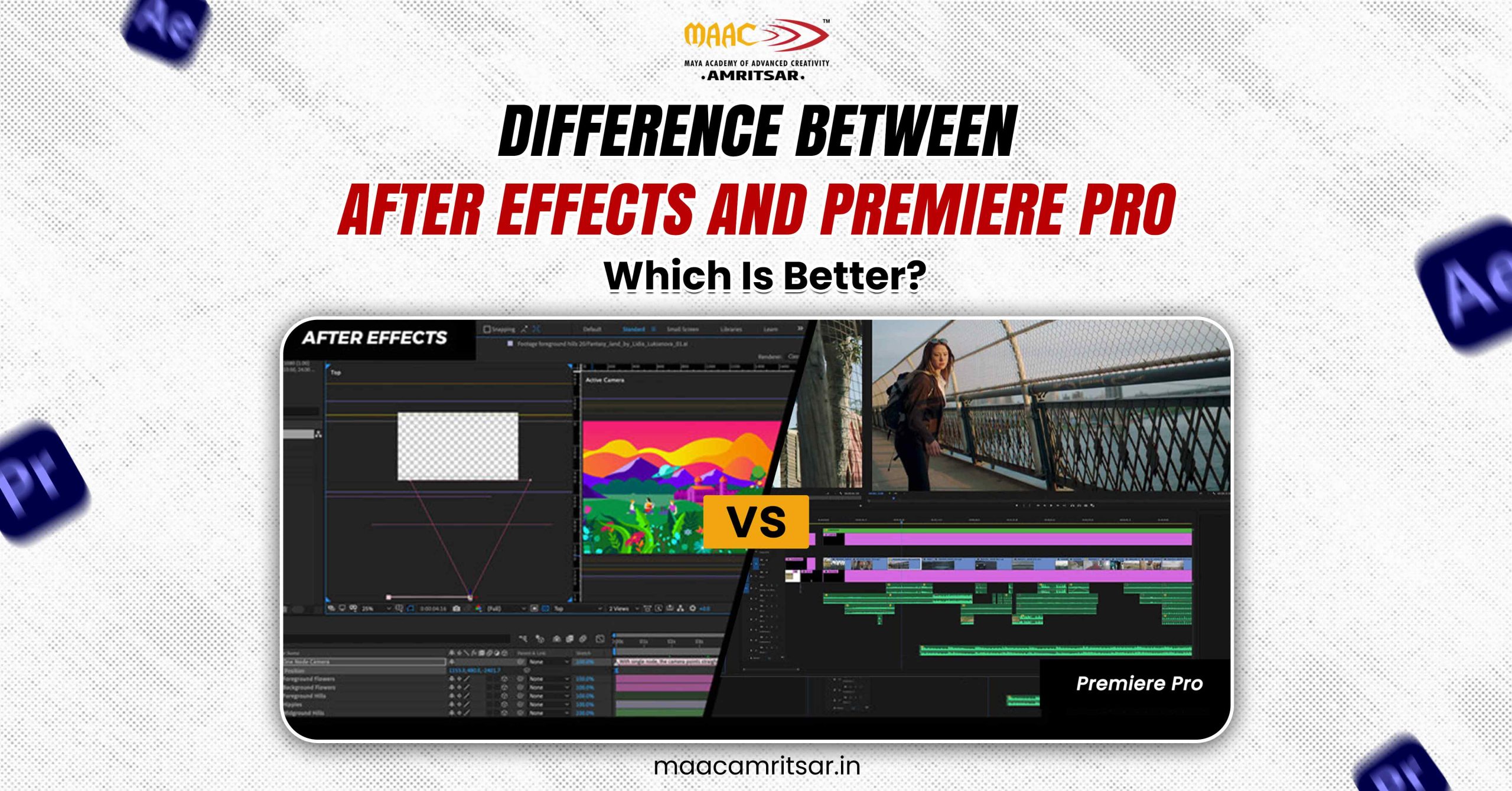
If you are confused between After Effects or Premiere Pro then you are not alone. Many students ask the most common question: What is the difference between After Effects and Premiere Pro and which one should I use?
Confusion is natural but both are powerful video editing tools. Many beginners wrongly assume that both software do the same job but in reality, they serve very different purposes in the video creation process. The difference between After Effects and Premiere Pro is based on their functionality. In simple words After Effects is used for motion graphics and visual effects whereas Premiere Pro is used for video editing and storytelling.
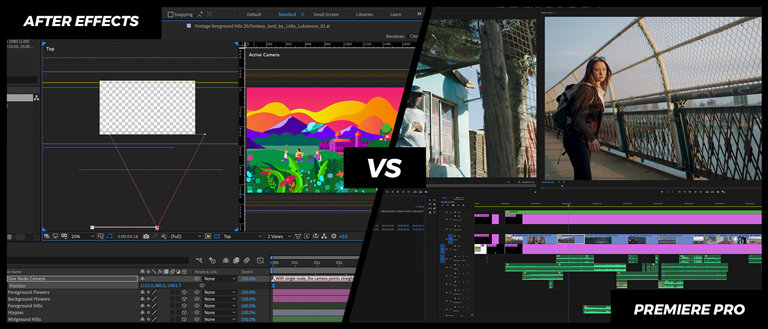
Both are industry standard video editing tools and visual effects software but choosing the right one depends on your goals.
If you got video editing project and are confused between After Effects vs Premiere Pro then you were on right place. This article brings clear differentiation between After Effects and Premiere Pro and guides you properly on which one to use for better results.
What Is Adobe After Effects Used For?
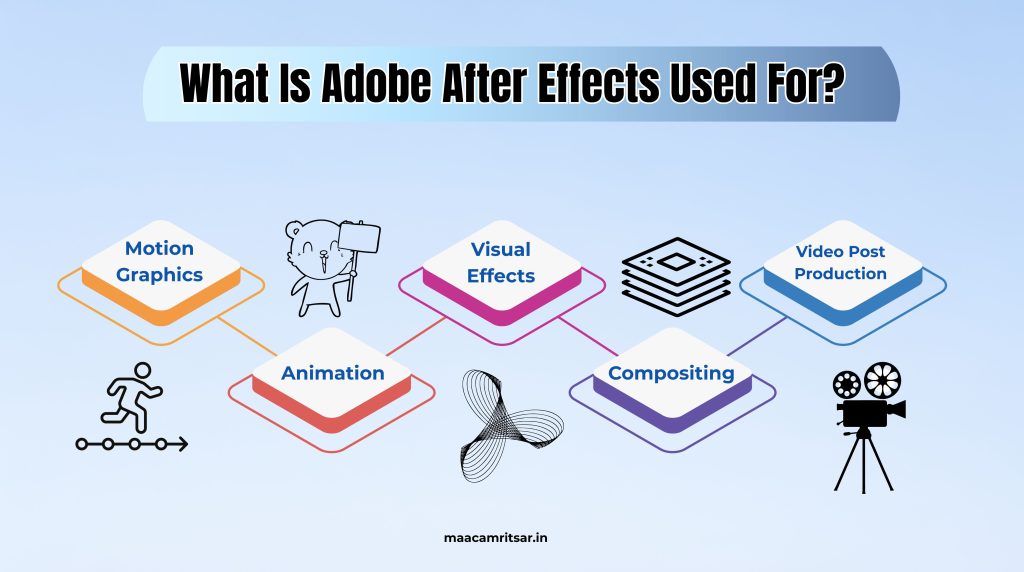
Adobe After Effects is powerful animation and visual effects software that is mainly used by video editors in post production stage of video creation. It is like Photoshop, working on layer based system which allows creators to build complex animations and effects frame by frame. Here are some of the most common Adobe After Effects uses:
Motion Graphics and Animation
After Effects is best tool for motion graphics. This video editing tool allows you to create animated text, shapes, logos, icons, and illustrations to create visually engaging content.
- It helps to create both flat vector animations and integrate 3D models.
- Creates infographics such as animated charts, graphs, and explainer visuals.
Visual Effects and Compositing
The main feature of After Effects is green screen compositing. It helps you to remove green backgrounds and replace them with new CGI scenes, environments, and visual effects by using advanced chroma key tools.
- Adding particle effects such as fire, rain, sparks, and other atmospheric elements.
- To scene enhancement, it can also add explosions and weather effects.
Video Post Production Workflow
Adobe After Effects is used for advanced video post production workflow such as:
- Adding smooth transitions, cuts, wipes and make creative scene changes.
- It does color correction and grading to adjust tones to achieve cinematic look.
If you are creating character animation, kinetic typography, or complex motion design, After Effects provides keyframe animation, expressions, and precise control over every movement of elements.
Real example:
When you watch MrBeast video and see those explosive animated text graphics, that is magic of After Effects.
What Is Adobe Premiere Pro Used For?
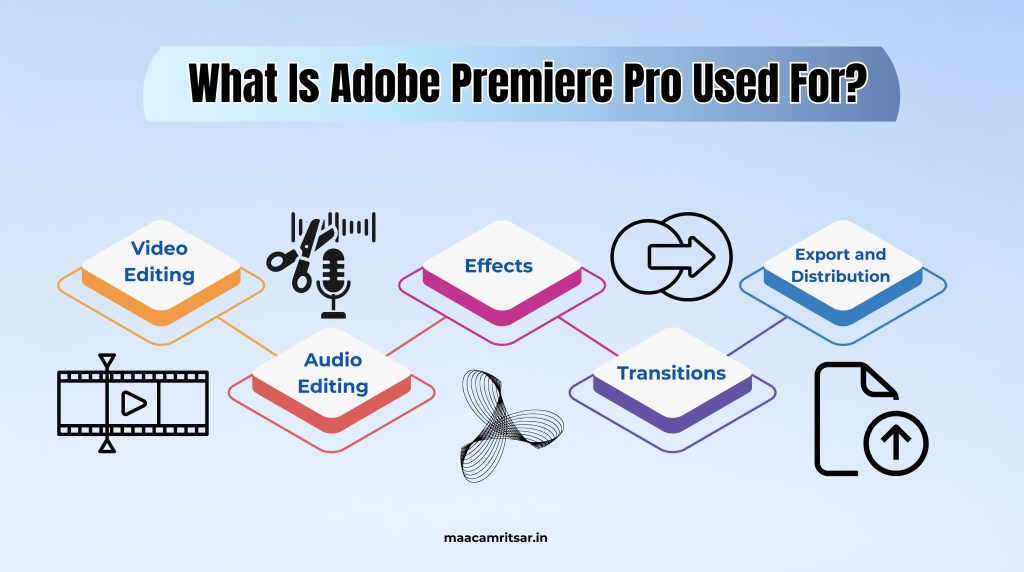
Adobe Premiere Pro is also one of the best video editing software programs. This video editing tool is designed to handle raw footage, audio files, and graphics efficiently within smooth video editing workflow. Here are some of the most common Adobe Premiere Pro uses:
For Video Editing
Premiere Pro allows you to do all types of video editing, from basic to advanced. They arrange clips, trim footage, and manage multiple video/audio tracks.
- You can sync and edit footage from multiple cameras simultaneously.
- It support multi format, works with nearly all video formats from HD to 8K.
Audio Editing
With professional tools, it cleans up dialogue, balances audio levels, and adds effects. For advanced mixing, it does multi-track audio editing with precise control. Noise reduction and audio effects for polished sound quality.
Effects and Transitions
Premiere Pro has hundreds of build in transitions such as cuts, fades, wipes, and customizable effects. It can add visual effects like slow motion, chroma key, and stabilization.
Export and Distribution
- You can export videos in multiple formats optimized for YouTube, Instagram, TikTok, TV, and film.
- Presets for different platforms ensure best quality and compatibility.
- It supports HDR and VR video exports.
Real example:
Every YouTube creator uses software like Premiere Pro to edit their vlogs and videos.
Difference Between After Effects and Premiere Pro
Lets understand the difference between After Effects and Premiere Pro through this comparison table:
| Features | After Effects | Premiere Pro |
| 1. Primary Purpose | After Effects is for Motion graphics, animation, and visual effects. | Premiere Pro video editing tools are for video editing, sequencing, and post production. |
| 2. Best For | This video editing tool is best for animators, designers and VFX artists. | This video editing software is best for editors, filmmakers, YouTubers, and social media creators. |
| 3. Workflow Style | It is designed with layer based system like Photoshop. | It is designed with timeline based system like traditional film editing. |
| 4. Integration | Works seamlessly with Premiere Pro for adding advanced effects. | Works seamlessly with After Effects for importing motion graphics. |
| 5. Multi Projects | After Effects can handle only one project at a time. | Premiere Pro can work with multiple projects with multiple tracks on each sequence. |
| 6. Use Interfrace | It can take time for new user to understand its interface. | Its interface is very clear and easy to understand with customizable workplace. |
| 7. Audio Editing | It gives only basic effects for audio editing. | It includes audio synchronization, noise reduction, reverb, delay, and multi track editing. |
| 8. Learning Curve | After Effects has steeper learning curve due to keyframes, compositing, and animation principles. | Premiere Pro is beginner friendly and intuitive. |
Also Read: DaVinci Resolve Vs Premiere Pro: Which is Best in 2025?
When to Use After Effects vs Premiere Pro?
To decide which one to use, its depend on your creative goal. Now understand which tool you need:
Content Creators: Mostly YouTubers edit their videos in Premiere Pro. When they want animated intros and special transitions they use After Effects then bring those animations back into Premiere Pro.
Filmmakers: Film editing is done in Premiere Pro where directors and editors arrange scenes and create final cut. They use After Effects for specific visual effects shots such as removing unwanted objects and creating title sequences.
Marketing and Advertising: Ad creators use both video editing tools extensively. Premiere Pro edits the commercial footage together and After Effects creates branded motion graphics, animated logos, and eye catching effects that make ads memorable.
But in actuality, all professional video editors use both as complementary video editing tools in their workflow.
Adobe Premiere Pro Price vs After Effects Price
Premiere Pro and After Effects are both tools available via Adobe Creative Cloud. Here is pricing comparison of Premiere Pro vs After Effects:
| Plan Type | Premiere Pro Price | After Effects Price |
| Monthly Plan | $34.49 per month | $31.49 per month |
| Annual Plan | $22.99 per month | $21.99 per month |
| Annual Prepaid Plan | $239.88 per year | Same as Premiere Pro Price |
| Student and Teacher Discount | Save over 70% | Save 64% |
Premiere Pro is more expensive than After Effects but if you need both, go for the Creative Cloud All Apps plan to save money and get the full Adobe suite. The integration between these programs is seamless and dynamic link allows you to work between Premiere Pro and After Effects without rendering.
Which Video Editing Software Is Better for You?
Choose best video editing software according to your needs:
| Choose Premiere Pro if you: | Choose After Effects if you: |
| 1. Want to edit vlogs and documentary content. 2. Need to assemble long form videos efficiently. 3. Are content creator and filmmaker. 4. Want straightforward video editing workflow. | 1. Want to create motion graphics and animations. 2. Need to add advanced visual effects in video. 3. Want to design animated titles and intros. |
The Real Answer:
Most professionals use both. Start with Premiere Pro if you are new to editing videos. Learn After Effects when you need to create add visual effects to your projects.
If you want to become professional video editor then understand difference between After Effects and Premiere Pro makes you significantly more valuable and versatile as video professional. The investment in both skills pays off through expanded creative possibilities and job opportunities.
FAQ’s
Q1. Are After Effects and Premiere Pro the Same?
Ans. No. After Effects and Premiere Pro are not same because they both serve different purposes in the video production workflow. Premiere Pro is timeline based video editing software for cutting and assembling footage and After Effects is layer based compositing and motion graphics software for creating animations and visual effects.
Q2. Is After Effects better than Premiere Pro?
Ans. After Effects and Premiere Pro are designed for different purposes. After Effects is better for motion graphics, animation, and complex visual effects. Premiere Pro is better for editing video footage and creating finished videos. The best software depends on your specific needs.
Q3. Can I edit videos only with After Effects?
Ans. You can but it provides ineffective results because After Effects is not designed for video editing. It becomes slow when you work with long videos that’s why we use Premiere Pro for video editing and After Effects for effects and animation.
Q4. Do professionals use both tools?
Ans. Yes. Professional video editors use both Premiere Pro and After Effects in their video editing workflow. They use Adobe’s dynamic link to seamlessly integrate both programs.
Q5. Which software should I learn first?
Ans. If you are new to video editing, start with Premiere Pro. Editing workflow in Premiere Pro is straightforward and useful for creating complete video editing. Once you are comfortable with Premiere Pro then learn After Effects will expand your creative capabilities for motion graphics and visual effects.
Leave a Reply