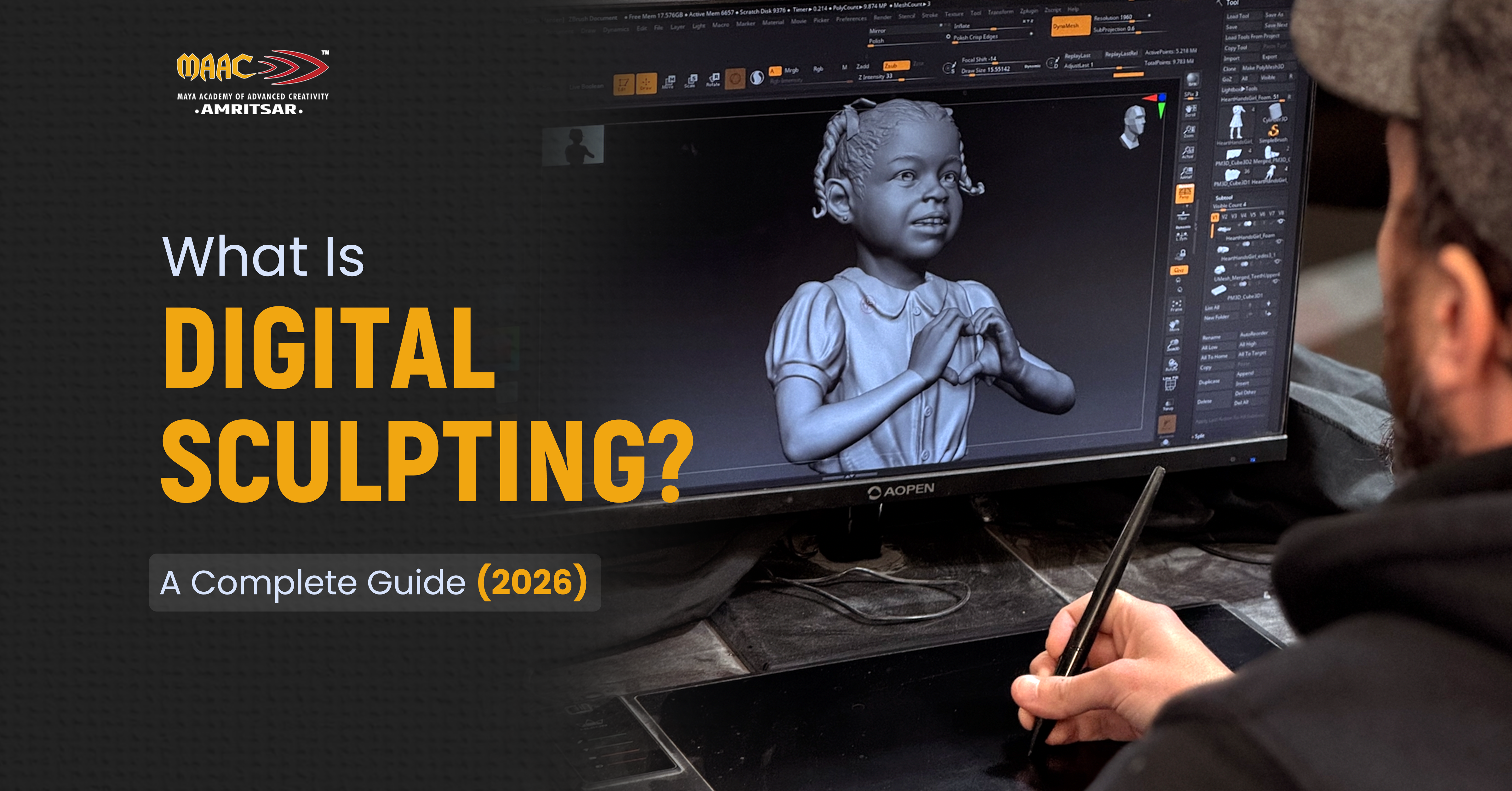
Digital sculpting is 3D art technique in which an artist shapes virtual clay by using virtual sculpting tools. It is used to make creatures, characters, props, and environments for films, games and animation. In digital sculpting, artists use brushes and other digital tools to push, pull, smooth, carve, and add detail to 3D models. Unlike traditional 3D modeling, which makes shapes by using geometric points and polygons but in digital sculpting you can push, pull, and carve mesh same way you would mold real clay. This article guides you on:
- What digital sculpting actually is
- Difference between digital sculpting and 3D modeling
- Best Digital Sculpting Software in 2026
- Digital sculpting techniques every beginner should practice
- Applications of Digital Sculpting
- Career Opportunities in 3D Digital Sculpting
- Conclusion
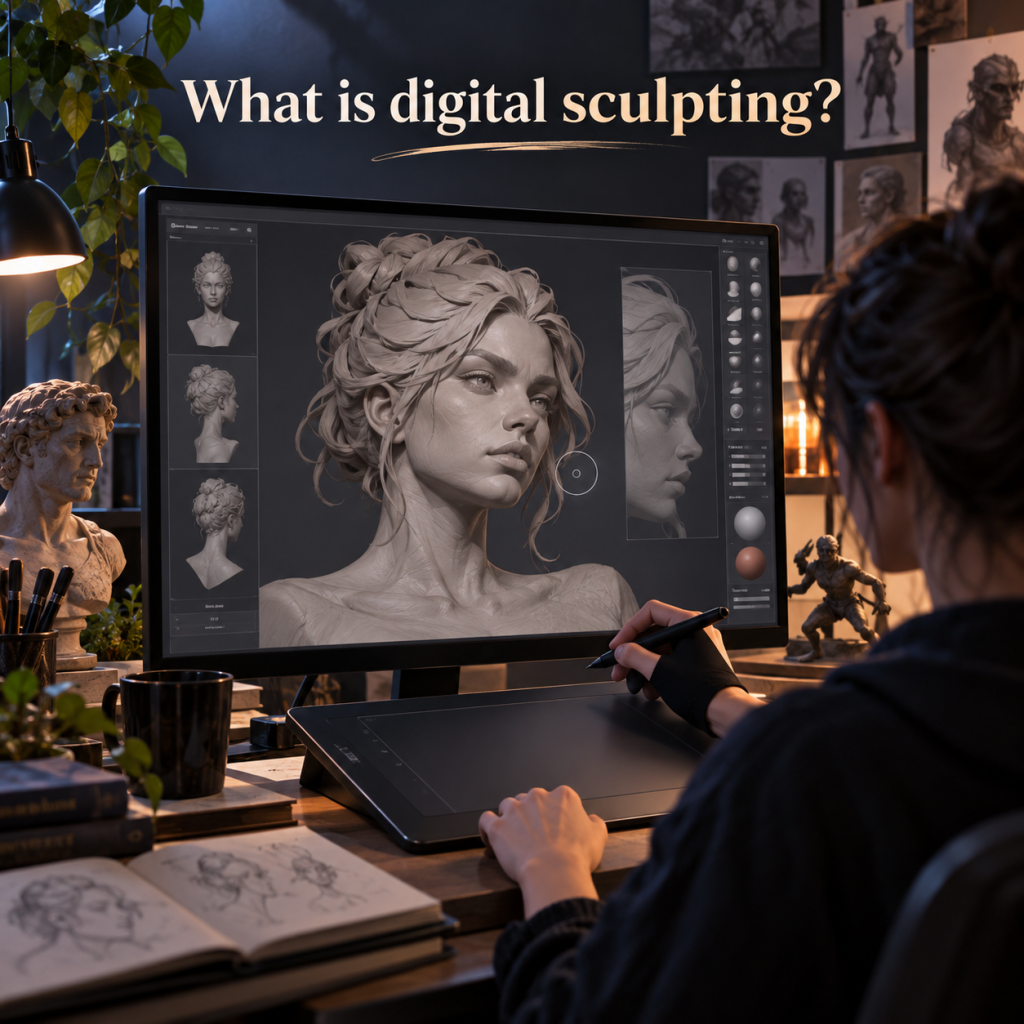
What is digital sculpting?
Digital sculpting is process of making 3D models on computer by using brush based tools that allow artists to add, remove, smooth, and reshape digital geometry. The process is same as when we make sculptures with clay but material exists in 3D software. Artists start with basic shapes and after that they can develop detailed characters, creatures, and other assets.
New software applications for sculpting have capabilities to handle variety of sculpting processes and allow sculpting in very high-detail resolutions. One of those programs that offer this functionality is called Blender which provides sculpting brushes, capabilities of masking, dynamic topology, multi-resolution sculpting and so on.
Usually, sculpting process starts with creating large object like head, torso or limb and progresses to smaller details like muscles, facial features, wrinkles etc.
Difference between digital sculpting and 3D modeling
Digital sculpting and 3D modeling both create 3D objects but both use different approaches. Let’s understand the main difference between digital sculpting and 3D modeling.
| Aspects | Digital Sculpting | 3D Modeling |
| Approach | 3D digital sculpting is complete process of manipulating polygon mesh of item like sculpting. | 3D modeling is excellent way of making 3D objects with the help of computer software and best way to create CGI assets. |
| Best for | Digital sculpting is best for creating organic shapes, characters and creatures. | 3D modeling is best for creating hard surface objects and mechanical parts. |
| Expert Skillset | Digital sculpting demands more artistic approach, care and consciousness while creating 3D sculpting. | This requires simple geometric and accurate calculative skills. |
| Polygon Mesh | In 3D sculpting, artist treat polygon mesh just like real life clay, twisting, smoothing, and grabbing it just like sculptors do. | 3D models are created with individual polygons, vertices, and edges. |
| Best Software | ZBrush, Mudbox, Blender Sculpt Mode are best for 3D sculpting | Maya, 3ds Max, SolidWorks are best for 3D modeling |
Can digital sculpting and 3D modeling be used together?
Yes. Many skilled artists use both approaches in professional 3D workflows. For example, character artists sculpt faces with detailed muscles, skin folds, and wrinkles before creating cleaner mesh for animation. Then 3D modelers creating products such as chairs or machine parts may instead need precise dimensions and controlled topology from the start.
Best Digital Sculpting Software in 2026
Your choice of digital sculpting software depends on your budget, experience, and what type of work you want to do.
1. ZBrush
ZBrush is still considered one of the best software solutions for creating hyper detailed digital sculptures. According to Maxon, it is software used for digital sculpture and painting, which has an extensive range of tools for creating characters, creatures, and other intricate digital models. The most recent ZBrush product website shows that ZBrush works for both desktop and iPad platforms.
This application is especially advantageous for those who create intricate characters, creatures, anatomical structures, and production elements.
| Best for | Professional character, creature, game and VFX sculpting. |
| Skill level | Beginner to advanced |
| Cost | ₹3991 per month |
2. Blender Sculpt Mode
Blender is perfect choice for newcomers because of its free pricing model and integration of sculpting, modeling, animations, rendering and other features utilized in 3D software.
This software currently has many types of sculpting tools, some of which include Grab, Smooth, Crease, Clay Stripes, Pinch and Mask. Besides that, dynamic topology and multiresolution sculpting are also on board.
| Best for | Beginners, students and artists who want all-in-one 3D applications |
| Skill level | Beginner to advanced |
| Cost | Free |
3. MudBox
Autodesk Mudbox has been popular program for sculpting and painting textures in 3D, especially for creation of complex characters and environments. Autodesk has just announced its decision to stop selling standalone subscriptions of the Mudbox tool. This means that while users can still find Mudbox in their work processes, people starting their work in 2026 should be careful when creating their workflows based on this software.
| Best for | Existing Autodesk users and studios with access to Mudbox through supported plans. |
| Cost | ₹10000 per year for 1 user |
4. Nomad Sculpt
Nomad Sculpt has been developed exclusively for sculpting and painting. It can be downloaded on iPhone, iPad and Android devices, in addition to Windows and macOS for desktops.
It can be of special interest to artists who like tablet assisted workflow.
| Best for | Tablet users, hobbyists and artists who want portable sculpting application. |
| Cost | ₹3345 |
Digital sculpting techniques every beginner should practice
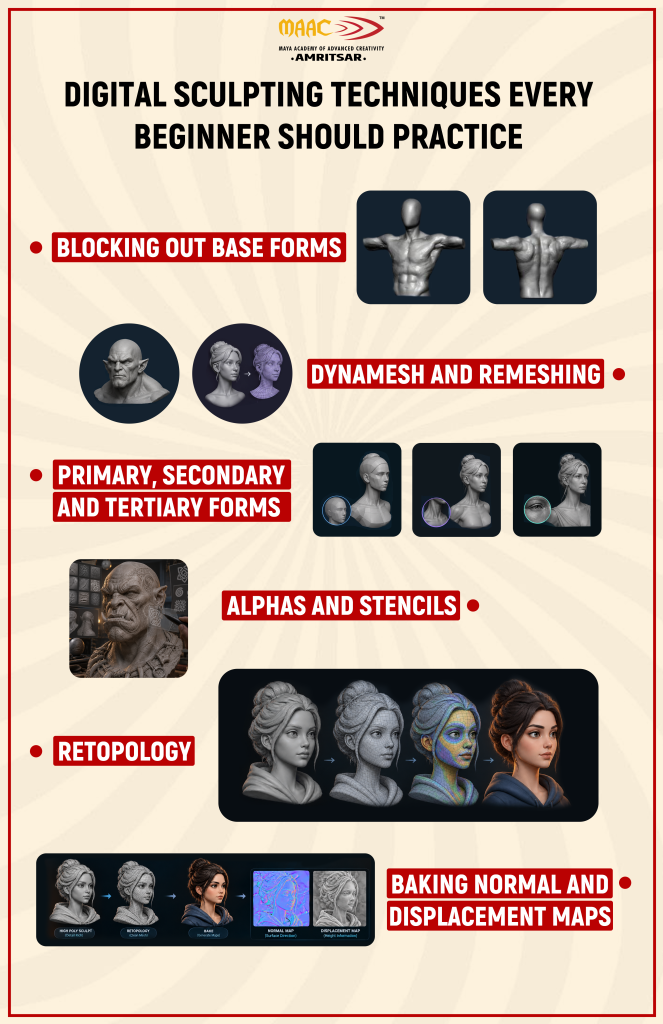
You don’t need to become expert in digital sculpting techniques at once. Start practicing these six techniques to understand how they are developed.
1. Blocking Out Base Forms
Focus on shaping big figures first and then move to finer details. It means when you are dealing with characters, you will typically create the head, rib cage, pelvis and limbs well before you add the eyes, wrinkles and skin details. Having strong base makes subsequent detail work easier.
2. DynaMesh and Remeshing
With remeshing, you get to the workable geometry as you alter model’s shape. This advantage is useful if you are pulling, stretching or combining geometries and the initial topology cannot support the sculpt anymore.
3. Primary, Secondary and Tertiary Forms
Understanding and practicing professional sculpting techniques can be made simpler and easier by breaking down the details into three levels.
- The first level is the primary forms that determine the overall shape.
- The second level is the secondary forms that specify characteristics like muscles, facial angles, wrinkles, and substantial shifts in surfaces.
- The third level is tertiary forms which provide small details such as pores, lines, cuts, and skin texture.
Most of the time, beginners make the mistake of focusing on the tertiary forms before achieving correct primary forms.
4. Alphas and Stencils
Alphas and stencils are valuable for sculptors as they help facilitate the creation of intricate details on surfaces.
Artists use an alpha to create texture on the skin and complicated surfaces instead of sculpting every small detail.
5. Retopology
A sculpt with great detail contains lots of geometry. That does not imply that the sculpt is ready to be animated or used in game. Retopology helps refine the geometry in order to prepare it for production purposes.
6. Baking Normal and Displacement Maps
Using normal and displacement maps is method used by the artist to move the information from the high-resolution sculpt to the low-resolution model. This way, the asset in production can retain the sculpture stylish look without having to carry the complete high-poly mesh along through the pipeline phases.
Applications of Digital Sculpting
Many industries outside of those typically associated with digital sculpting also participate in its use.
Film and VFX
In the film and VFX industries, artists use digital sculpting to create everything from life-like human lookalikes to mythical creatures. Major studios working on blockbuster films use ZBrush as a key part of their creature creation processes, meaning that they can create digital models with realistic looks before they are approved for animation.
Videogaming
Within the world of video games, digital sculpting is important in the creation of immersive characters and directorial props within realistic video games. Making a hero character in AAA games can take more than one artist several weeks to sculpt.
3D Printing
Within the world of 3D printing, designers of jewelry and toys are able to create their designs digitally using digital sculpting before creating an actual version of their designs via 3D printing.
Animation
Character development is another big area where 3D sculpting can be applied. It is through sculpting that the character’s anatomy, proportions, appearance and other characteristics can be developed. Sculpting plays a vital role in creating the character but it is not the end product itself.
Medical and Product Visualization
Techniques of 3D sculpting can be effectively used for creating realistic visual models of products for educational goals, product concepts, etc. The approach depends on what exactly has been done. For instance, some medical applications may require the high precision which does not relate to the style of sculpting.
Can We Learn Digital Sculpting at MAAC Amritsar?
People seeking to get proper training in animation, VFX and 3D will do well to check out the current combination of courses offered by MAAC Amritsar and also verify the latest syllabus, software name, duration of course and career support available.
The selection of the right course will greatly depend on the particular aim. For example, someone who wants to find out how to become a character artist may have to choose differently from someone proceeding to study animation, VFX, game art or motion graphics.
What really matters is that the program chosen provides practical projects to ensure proper portfolio development rather than the software mentioned in the brochure of the course.
Career Opportunities in 3D Digital Sculpting
Digital sculpting opens doors for several 3D career paths.
| Character Artist | Character artists are involved in designing characters with intricate details and creating characters digitally for games, animated features, visual effects, and other projects. Knowledge of sculpting brings great help in character anatomy, features of the face, and clothing design and finishing. |
| Creature Artist | Creature artists develop creatures, either real or imaginary, by creating 3D models of animals and mythical animals. Deep knowledge of anatomy, proportions, and form is essential. |
| Concept Sculptor | Concept sculptors are responsible for transforming graphics into 3D forms in order to create an image of the bear in collaboration with the production teams. |
| Game Asset Artist | Game artists are required to design different characters, props, etc., and know how to sculpt accurately and efficiently for real-time environments. |
| 3D Modeler | 3D modelers can be involved in work with both characters and other assets related to the production. Acquiring knowledge of sculptures and sculpting can help a 3D modeler in creating organic models as well. |
| VFX Artist | VFX artists may work with environment, characters, creatures and props. |
Conclusion: Is Digital Sculpting Right for You?
Digital sculpting provides an easy approach through which artists can create highly detailed characters and creatures. It incorporates skills in both art disciplines such as anatomy and proportion, as well as technical aspects such as topology, retopology and texturing.
If you like designing characters, gaming, animation, VFX or other forms of 3D art, then adding digital sculpting to your list of skills will be an asset to your capabilities. Begin with choosing one software program, learning the forms of sculpture, consulting references, and slowly developing your portfolio.
For more formalized training, take a look at the many courses in 3D art animation and VFX that MAAC Amritsar has to offer and see which one fits your goals.
Leave a Reply