Every student who is interested in 3D animation is always stuck on this question, Do I learn Blender or Maya? The question may sound simple but it affects your first year of learning, your job prospects and your portfolio. Both animation software are strong but they are built for different types of users, and if you pick wrong one, you waste months of effort. This guide explains Blender vs Maya debate in 2026 so you can make an informed choice before you spend your efforts on the wrong tool.
Blender 3D Animation Software
Blender is free and open source software that is used for video editing, rendering, animation and 3D modelling. This 3D software is developed by the Blender Foundation and used by many freelancers, creators and beginners. This 3D animation software is known as complete creative tool with no subscription fee attached.
For beginners who want to explore multiple areas like character animation, motion graphics, and even game development without spending money on subscription, Blender is best option. Studios like Netflix have used Blender in production pipelines. The animated short films produced by the Blender Foundation itself such as Cosmos Laundromat and Agent 327 show what the software can do at professional level.
Features of Blender
| Zero Cost | Blender is completely free 3D animation software. To work with Blender, you don’t need any license cost, no trial period, and no feature restrictions. |
| Full Production Pipeline | You can do video editing, rendering, animation and 3D modelling and visual effects, all in one application. |
| Regular Updates | Blender Foundation releases major updates frequently. Blender 4.x brought significant improvements to rendering, geometry nodes, and overall UI. |
| Strong Community Support | You can watch free tutorials on YouTube, Blender Artists forum, and documentation that is maintained by the community. |
| Work on Cross Platforms | Blender works on Microsoft Windows, macOS, and Linux. |
Maya 3D Animation Software
Maya is popular 3D animation software that is used in top studios, films, television, gaming and VFX productions. Since 1990’s, it has been considered an industry standard tool and used in large scale projects. Artists heavily rely on Maya for character animation and rigging in VFX and gaming production. This 3D animation software is commonly taught in professional programs and is part of 3D animation career path.
It also offers lighter version which is designed for indie game developers and continues to invest in making the software accessible to students through its education program. If you are looking for best animation software for beginners who plan to enter professional pipeline then Maya’s educational resources are hard to ignore.
Features of Maya
| Advance Animation Tools | Maya has rigging system, graph editor, and character animation toolset that are considered best for production work. |
| Industry Standard Tool | This software is used by studios like Pixar and Rockstar Games. Maya is mostly used in Hollywood films or AAA game needed 3D work. |
| Strong Simulation | You can add realistic effects like cloth, hair, fluid, and particles with the help of Maya. |
| Structured Workflow | Maya works well with other professional tools like ZBrush, Houdini, and Nuke which makes it natural fit in large production pipelines. |
Blender vs Maya: Full Comparison
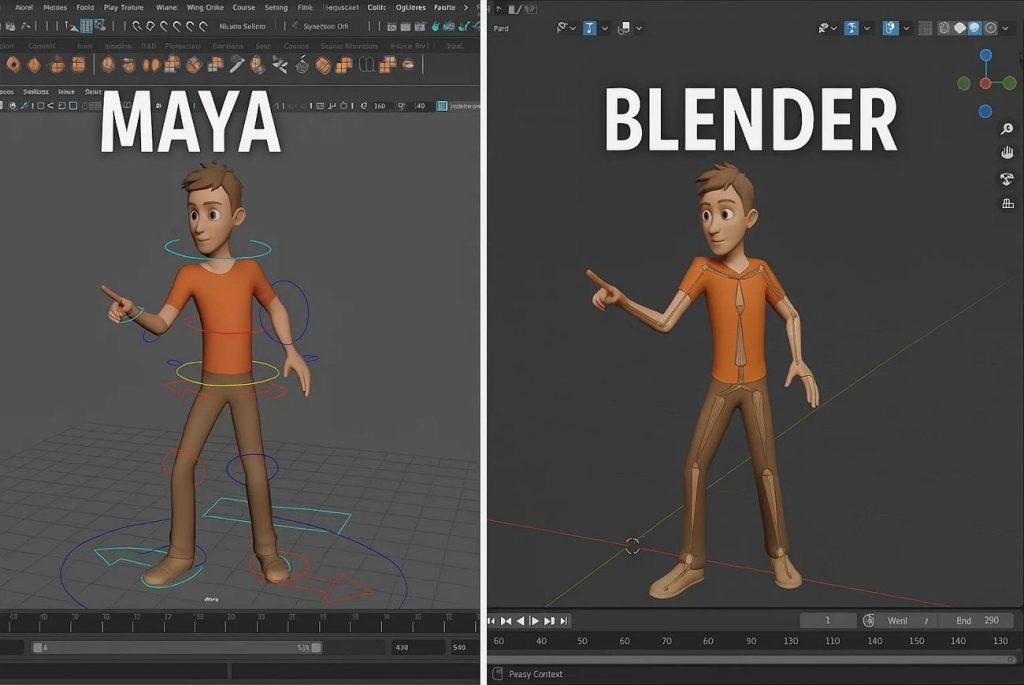
Now the main question comes: Blender vs Maya. Let’s clearly understand the difference between Blender and Maya.
Blender vs Maya: Cost and Accessibility
Blender is free 3D animation software. You download it and start working today. For self learners and students who want free 3D animation tool, Blender is perfect choice. Blender removes problem of budget.
On the other hand, Maya is paid subscription based 3D animation tool. When you enroll in animation course through an institute, your training institute typically provides Maya access as part of the program. In that scenario, cost becomes non-issue.
Blender vs Maya: Learning Curve and Interface
Blender has improved their interface but beginners still feel confused at first time. Its viewport and toolbar layout that makes sense to newer users. Blender also provides YouTube tutorials for beginners. If you consistently practice on Blender, you can produce basic 3D models in Blender within a week.
Maya interface is built for professional studio workflows. It is fully organised and requires logical understanding. Mostly beginners feel lost in first few weeks in Maya.
If you want to start self learning, Blender is good option but if you want guided learning, Maya offers better clarity.
Blender vs Maya: Tools for Animation and Modeling
Both tools can do 3D animation and 3D modelling but both have different strengths. Blender’s geometry nodes system is genuinely powerful for procedural modelling. For freelancers who is working on product visualization, motion graphics, indie game assets, Blender gives best results.
Maya is advanced software especially for character animation. Its rigging system and the Graph Editor are more refined for character animation at production level. For 3D animation careers in film and gaming, Maya’s toolset is best option.
Blender vs Maya: Industry and Career Use
Here is where difference between Blender and Maya becomes most visible.
When it comes to job postings from top studios like Ubisoft and Framestore, Maya is required skill. Job roles in game development, VFX, and broadcast animation require Maya proficiency.
Blender is mostly used by freelancers, YouTubers, and small studios. But Blender is completely viable professional tool in 2026. Many indie games released on Steam in recent years were built entirely with Blender assets, and the tool’s integration with game engines like Godot has made it go to for budget conscious developers.
Which Software Is Easier for Beginners?
The honest answer is it depends on your learning capabilities and what you want to do.
Blender is easy if you start self learning:
- You can get free access, YouTube tutorials and improved interface mean you can make real progress without enrolling in any course.
- Blender is easier to start and you can learn different areas like 3D animation and game development at your own pace.
Maya is easy if you enroll in animation course:
- If you join professional course, Maya becomes easier because you get proper guidance, assignments, and structured training from experts.
- With structured 3D animation course, you will produce visible and confidence building results.
It’s all depends on your learning environment.
Blender vs Maya: Which One Should You Choose?
It is important decision to choose between Blender and Maya because it makes your career.
Choose Blender if:
| 1. You want to start immediately with zero budget cost. 2. You want self learning through YouTube and online resources at your own space. 3. You are building freelance portfolio. 4. You want to experiment with 3D modeling, motion graphics, and short films 5. You are investing about 3D animation before enrolling in full course |
Choose Maya if:
| 1. You want to work at animation studio, VFX house, and game company. 2. You are enrolling in professional 3D animation course at an institute. 3. You are serious about career in character animation. 4. You want skills that match what studios are actually looking for in a resume |
Expert Opinion from MAAC Amritsar on Blender vs Maya
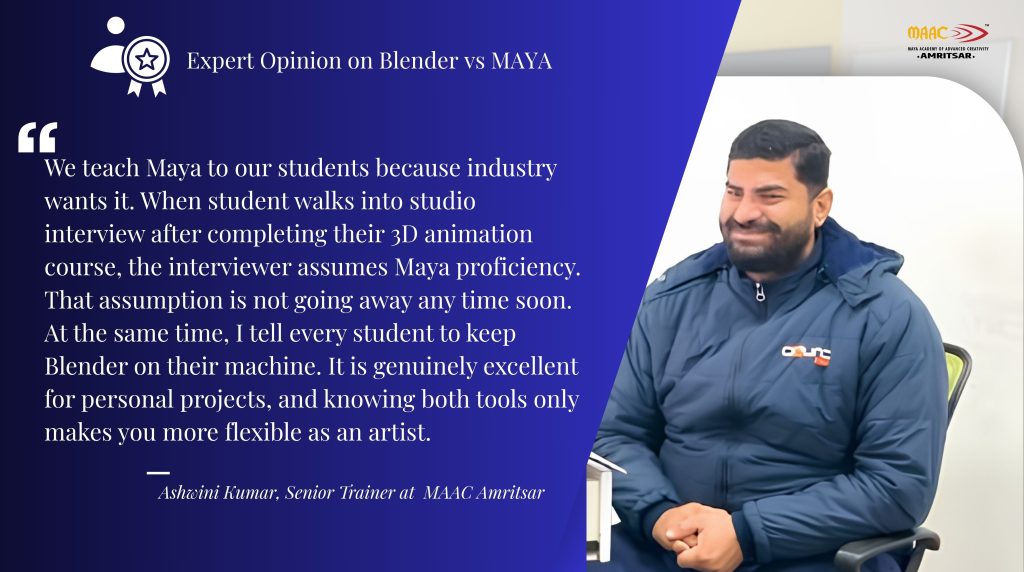
“We teach Maya to our students because industry wants it. When student walks into studio interview after completing their 3D animation course, the interviewer assumes Maya proficiency. That assumption is not going away any time soon. At the same time, I tell every student to keep Blender on their machine. It is genuinely excellent for personal projects, and knowing both tools only makes you more flexible as an artist.”
This view aligns with what most production professionals say. Trainers at institutes like MAAC prefer Maya for production level training because it matches what studios actually use. But that does not mean Blender is lesser tool, it occupies different space and that space is growing.
For students investing 3D animation career through professional institute, Maya remains most direct path to employment. For those building skills independently, Blender is most practical starting point.
FAQs
Is Blender better than Maya for beginners?
Blender is easier compared to Maya and you can work on it independently because it is free and also provides YouTube tutorials
What does Maya do better than Blender?
Maya is popular 3D animation software that is used in top studios, films, television, gaming and VFX productions. Artists used Maya for character animation and rigging in VFX and gaming production.
Is Maya difficult to learn?
If you learn Maya with self learning, it feels confusing but if you start learning within a structured 3D animation course, it is manageable.
Can I use Blender and Maya for professional animation studios in India?
Yes. But it depends on your studio and role. Many professional studios in India prefer Maya because it is part of their production pipeline.
Final Verdict
If you are total beginner with no budget and no institutional support so you can start with Blender. If you are serious about building career in animation, VFX, and game development then start learning Maya.
Because of the industry demand for skilled Maya artists. The best way is to start with Blender to learn the basics of 3D and then transition to Maya through structured 3D animation course when you are ready to go professional.
If you want to build career in animation and VFX, structured training is required. MAAC Amritsar provides you with comprehensive 3D animation course in Amritsar that covers Maya, industry workflows, and everything you need to become job-ready. Explore the courses at MAAC Amritsar and take the first concrete step toward your animation career.
Leave a Reply